CCTV design
Place cameras on a scaled plan and see pixel density zones, not guesses.
- IEC 62676-4:2025 and legacy DORI profiles
- Camera's-eye 3D preview and monitor wall
- Walls, objects and terrain occlusion
Security design software
MSD is design software for CCTV, access control, intruder detection and hostile-vehicle mitigation. Pixel density, coverage, cable runs and network loads are calculated with the working shown — then turned into reports, schedules and drawings.
One tool, every discipline
Each module follows the same pattern: you enter the design, MSD calculates, flags what fails and explains why. Values from standards are labelled with their source — and marked where they still need checking against the standard itself.
Place cameras on a scaled plan and see pixel density zones, not guesses.
Doors, hardware and controllers designed together.
Detector coverage and the panel maths behind it.
Indicative worst-case approach routes, speeds and energy.
Runs, losses and loads checked before anything is ordered.
The deliverables your client and installer actually need.
Real renders
Every image here is a screenshot of MSD rendering one of its synthetic demo projects. Nothing is mocked up.
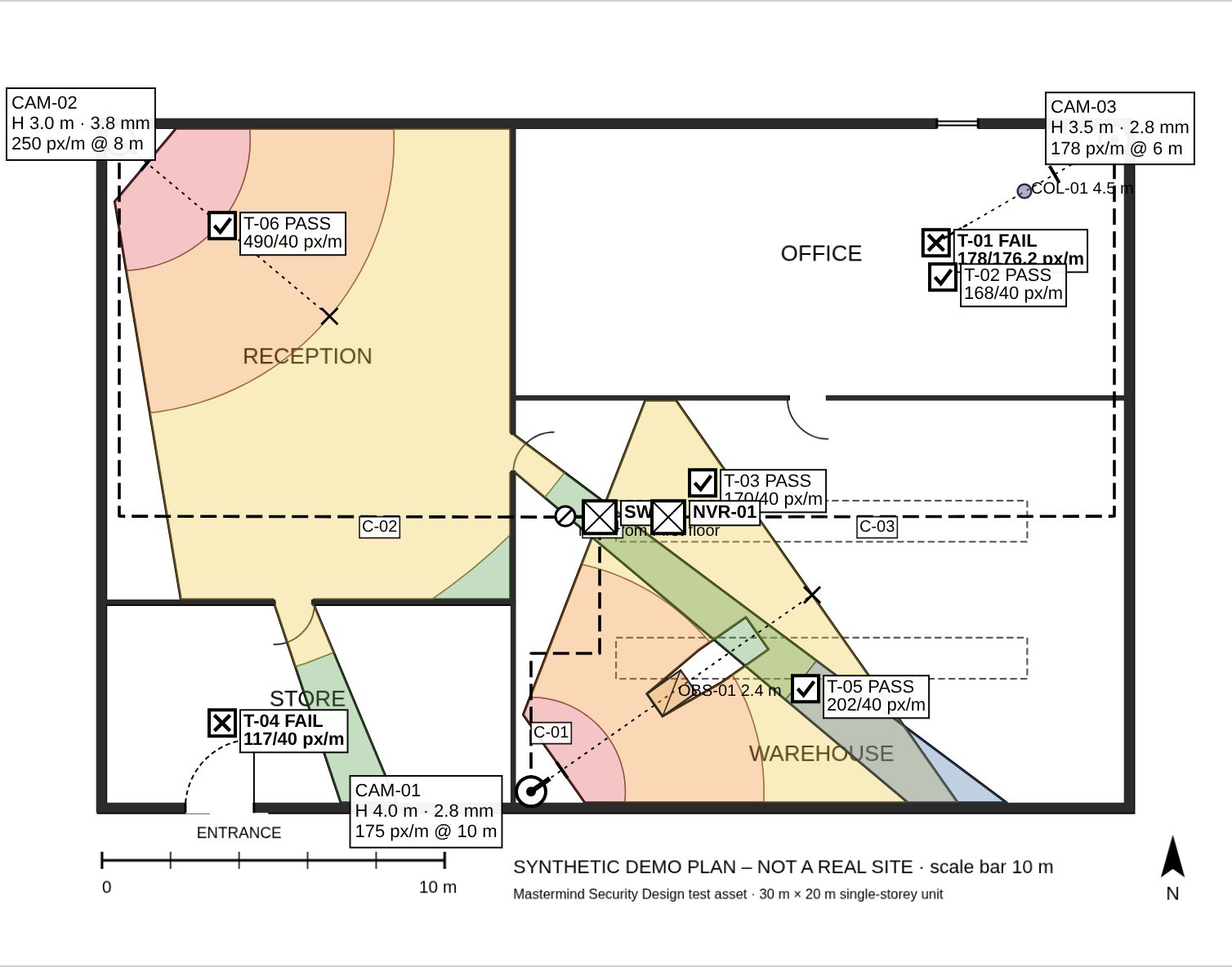
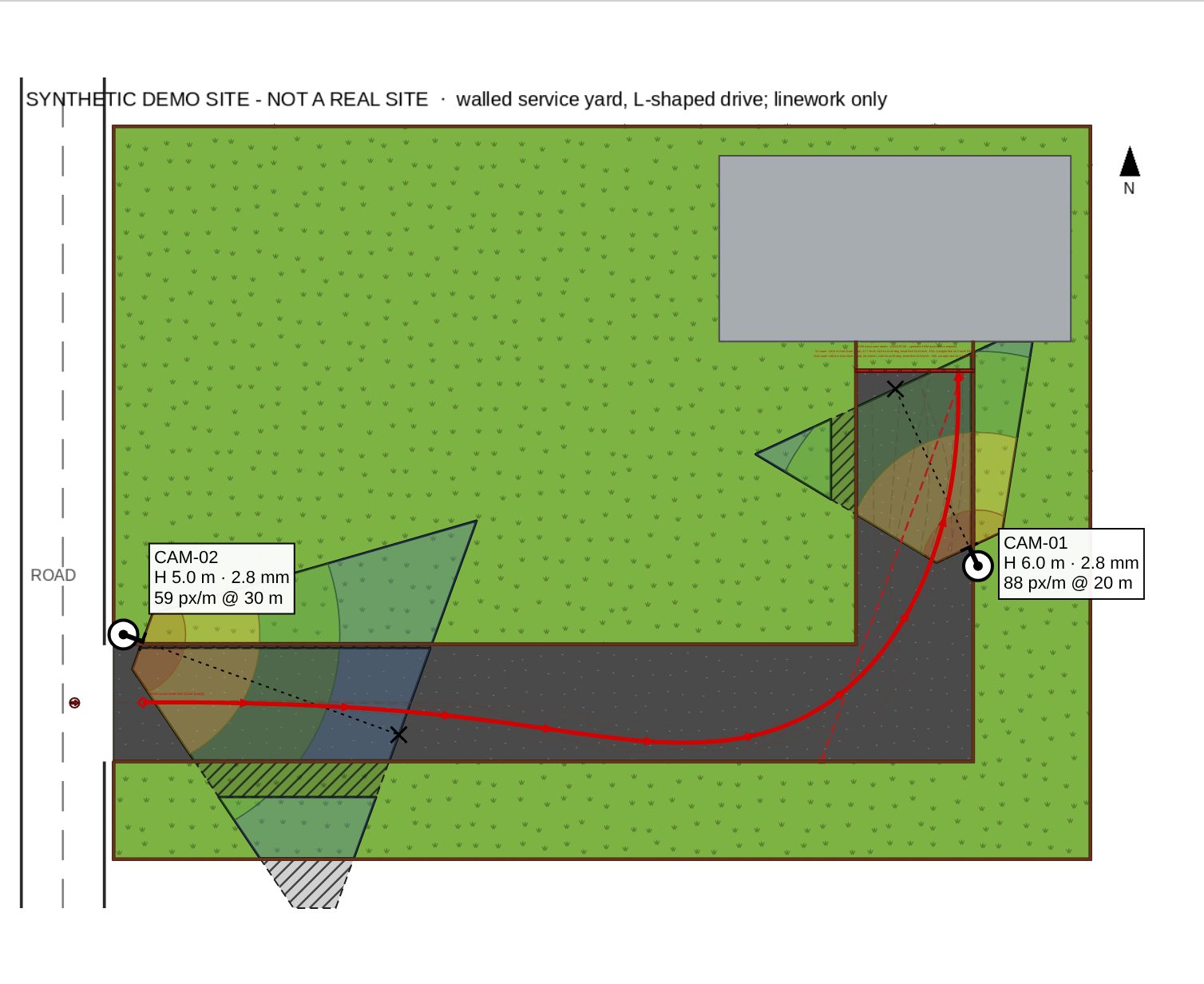
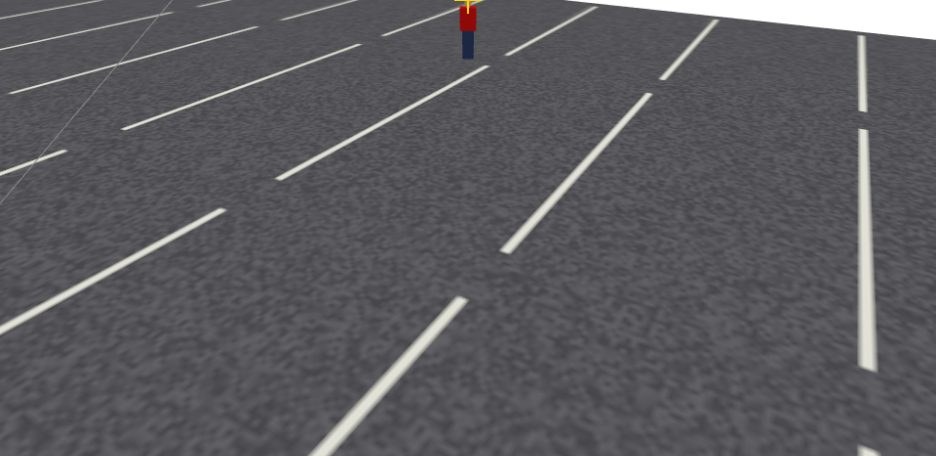
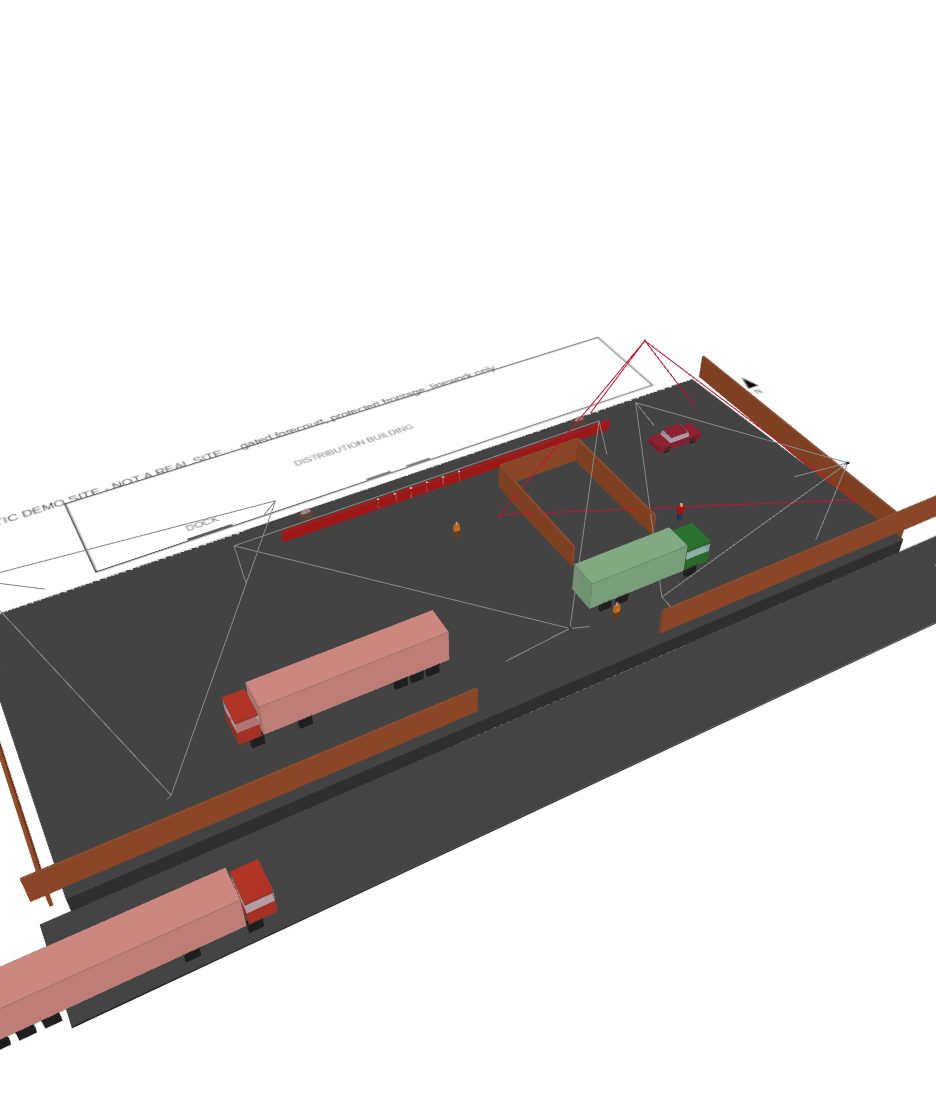
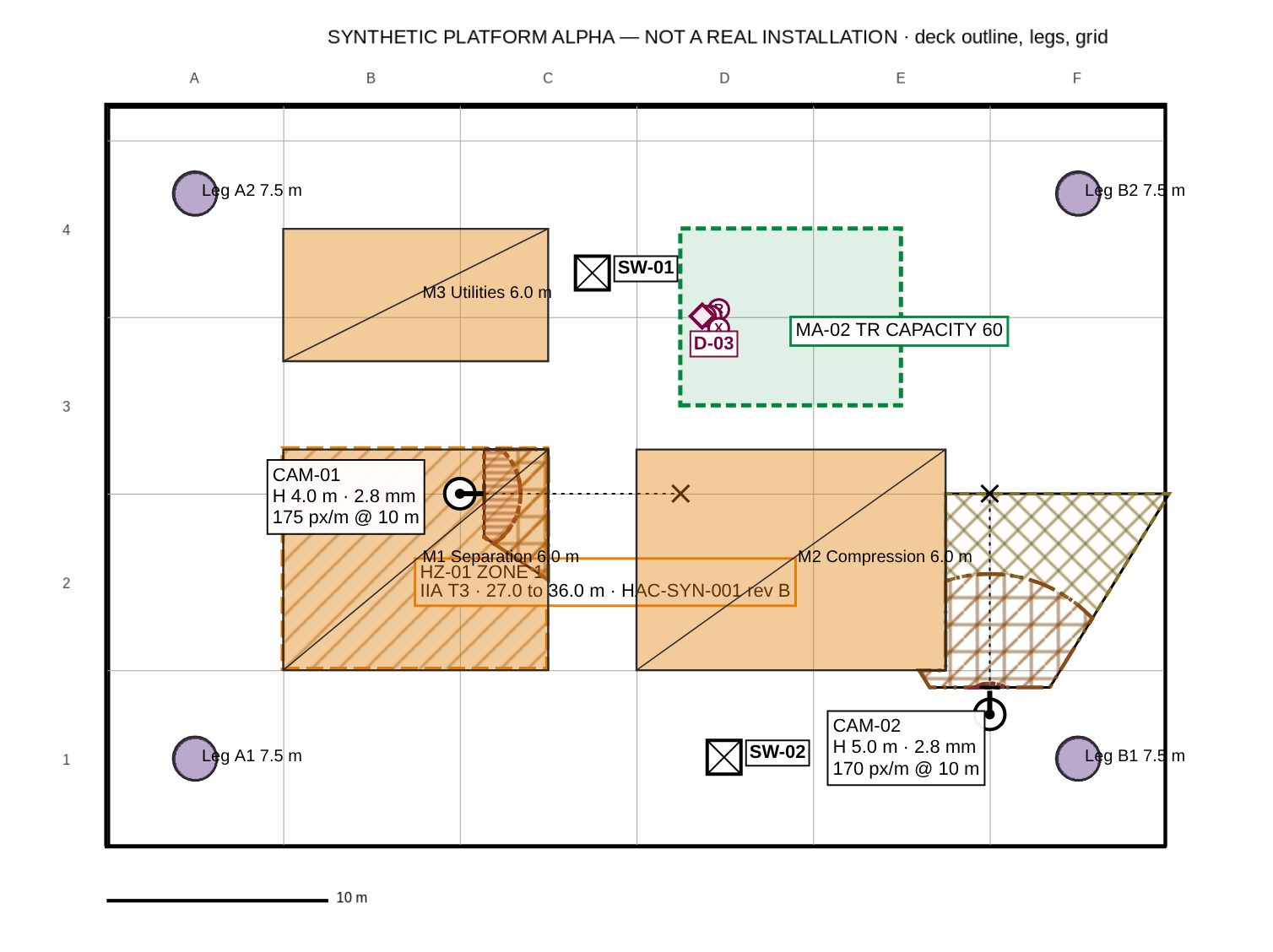
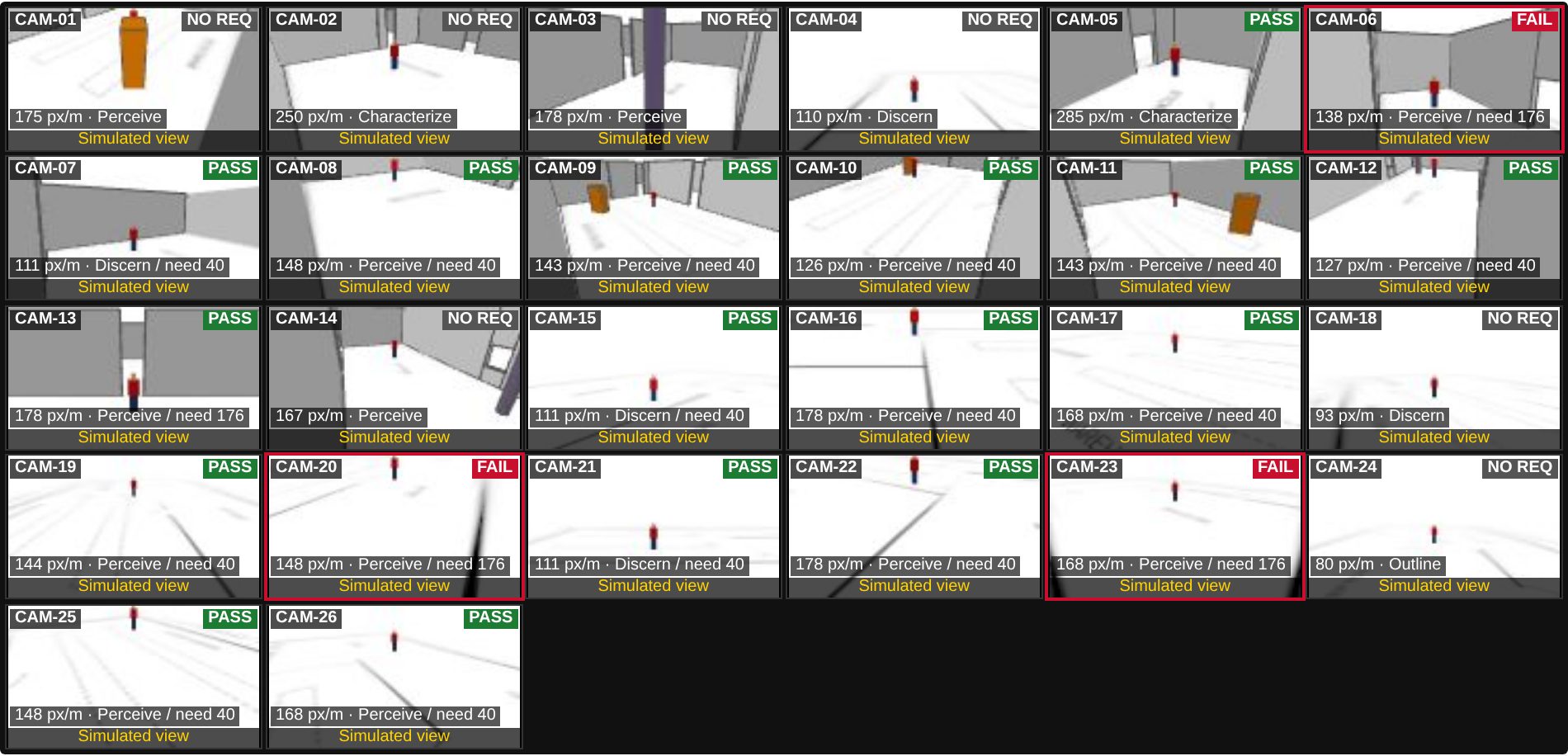
Synthetic demo sites — not real installations. Simulated views are visual checks, not camera footage.
How it works
Everything — plan, devices, calculations and outputs — lives in one project file, saved to your workspace with version history.
Import a floor plan (image or PDF) or a map background, then calibrate the scale.
Cameras, doors, detectors, devices and cable routes, each with real specifications.
Pixel density, coverage, cable limits and loads are calculated as you work, with failures flagged.
Export the report, schedules, drawings and proposal — all from the same data.
CAD hand-off
Export any floor as a DXF and keep working on it in AutoCAD or another CAD tool. It is real CAD geometry on named layers, not a flattened picture. Tested with AutoCAD 2027: our test exports passed AutoCAD's AUDIT with 0 errors.
MSD-: architecture (MSD-ARCH-*), CCTV cameras, fields of view, targets and coverage zones by detail level (MSD-CCTV-*), cables (MSD-CABLE-*), devices (MSD-DEVICE*), access control (MSD-AC-*), annotation (MSD-ANNO-*) and the title (MSD-SHEET-TITLE). You can switch each one off, freeze it or restyle it.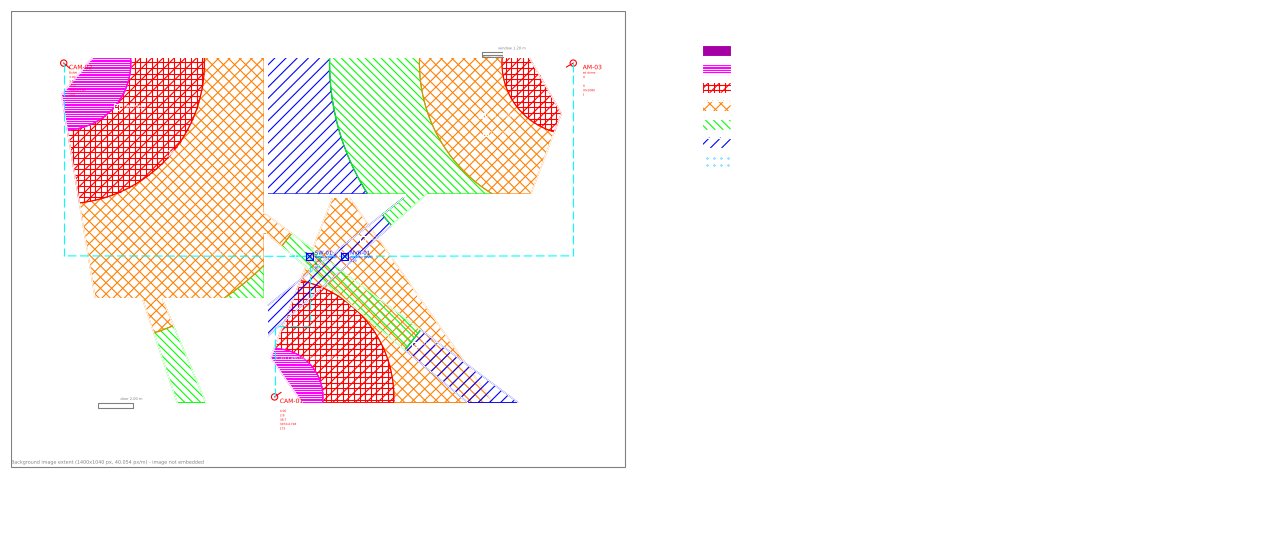
Why it's different
A common way to design security systems is a drawing package, a few spreadsheets and a word processor. MSD keeps it in one place.
| Task | Typical spreadsheet-and-CAD workflow | With MSD |
|---|---|---|
| Camera pixel density | Calculated by hand or a separate calculator, per camera | Calculated for every camera, shown as zones on the plan |
| Schedules | Typed again from the drawing; drift creeps in | Generated from the design — always match the plan |
| Cable and power checks | Separate spreadsheets, often skipped under time pressure | Run automatically, failures flagged before issue |
| Assumptions | Scattered across files and emails | Stated in the report, next to the result they affect |
| Revisions | "final_v7_REAL.dwg" | Version history with restore, per project |
Pricing
Every plan includes every design module. Paid plans add exports, storage, history and teams. Compare plans in detail.
No contract — cancel anytime in your account. Your plan stays active until the end of the period you’ve paid for.
Try MSD on real work
For the independent designer
For design teams and integrators
For organisations with procurement needs
Who we are
MSD is built and operated by Mastermind Security Solutions Ltd, a UK security company registered in England and Wales (company number 13344765). It exists because security designs should be checkable: every number in an MSD output can be traced back to an input and a stated method.
.msdz file, or export everything, at any time.FAQ
No. MSD produces design estimates from the information you give it. Every output is marked as a preliminary design that needs on-site verification, and the assumptions are listed in the report.
Pixel-density profiles include IEC 62676-4:2025 image-detail levels and the legacy EN 62676-4:2015 DORI values. Where values come from secondary sources, MSD says so on screen and in the report, so you can check them against your copy of the standard.
Yes. Import any .msdz project into your workspace, and download it again at any time. The file format is documented and versioned.
Project files and account data are stored with our hosting provider in the European Union. See the Privacy Notice and the sub-processor list.
Nothing is deleted. If you don't choose a plan, the workspace moves to the Free plan: you keep your projects and can open and export them; Free limits apply to new work.
Yes. Everyone can sign in with Microsoft (Entra ID work or school accounts, and personal Microsoft accounts) or with Google, including Google Workspace accounts. On the Enterprise plan we also help you roll it out across your organisation; contact sales. See Help → Single sign-on.
No VAT is charged — Mastermind Security Solutions Ltd is not VAT registered. The price you see is the price you pay.
Yes — the Team plan includes three designer seats, ten free viewer seats, roles and shared folders. Extra designers can be added at any time.
Start on the Free plan — no card, no time limit. Upgrade when the work needs it.